The ILR and UK citizenship planner
Your settlement and citizenship dates, your days abroad against the 180, 450 and 90 day limits, the fees, and which file proves what. Built from one real route, checked on gov.uk on 31 October 2026. Excel and Google Sheets.
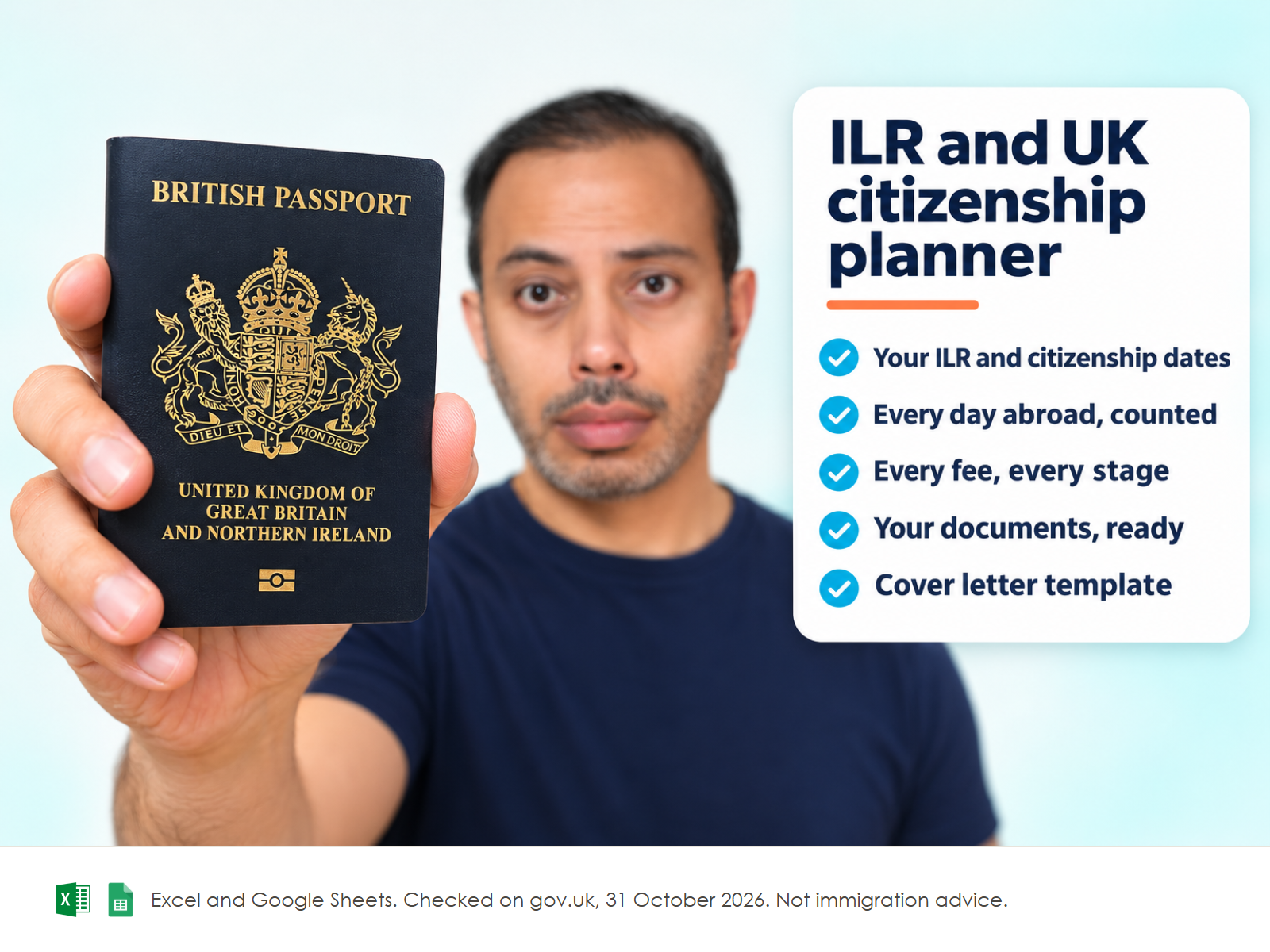
- Excel workbook, 6 tabsStart here, Clock, Travel log, Fees budget, Document vault, Rules and sources
- Google Sheets versionA make-a-copy link puts it in your own Drive in one click
- Stage checklists, 7 pagesSkilled Worker extension, Global Talent stage 1 and 2, settlement, citizenship, first passport: what the Home Office actually asked for
- Settlement cover letter template, WordThe headings and tables of an accepted letter, every personal detail replaced by a placeholder
- Referees, the ceremony and the passport, 3 pagesWho can sign, what to send them, choosing a council, and the steps after the ceremony
- Open me first pageThe Google Sheets button and the three things to do first
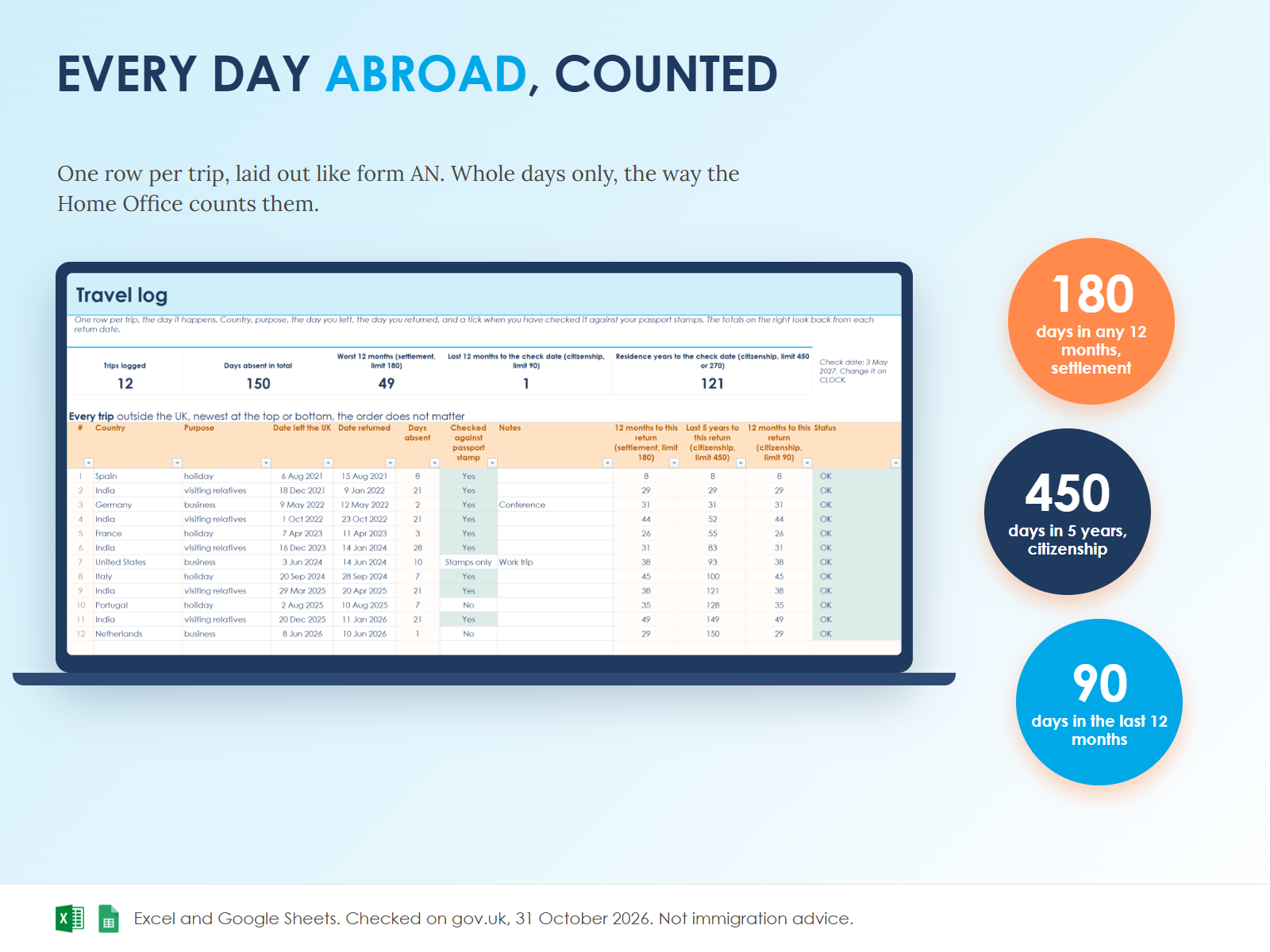
- It counts the way the Home Office countsWhole days only, with the day you leave and the day you return left out, as Guide AN says. One switch shows the worst case.
- Every window, not just the totalSettlement is 180 days in any 12 months. The log checks the 12 months ending on every return date, and turns amber at 144 days, red over 180.
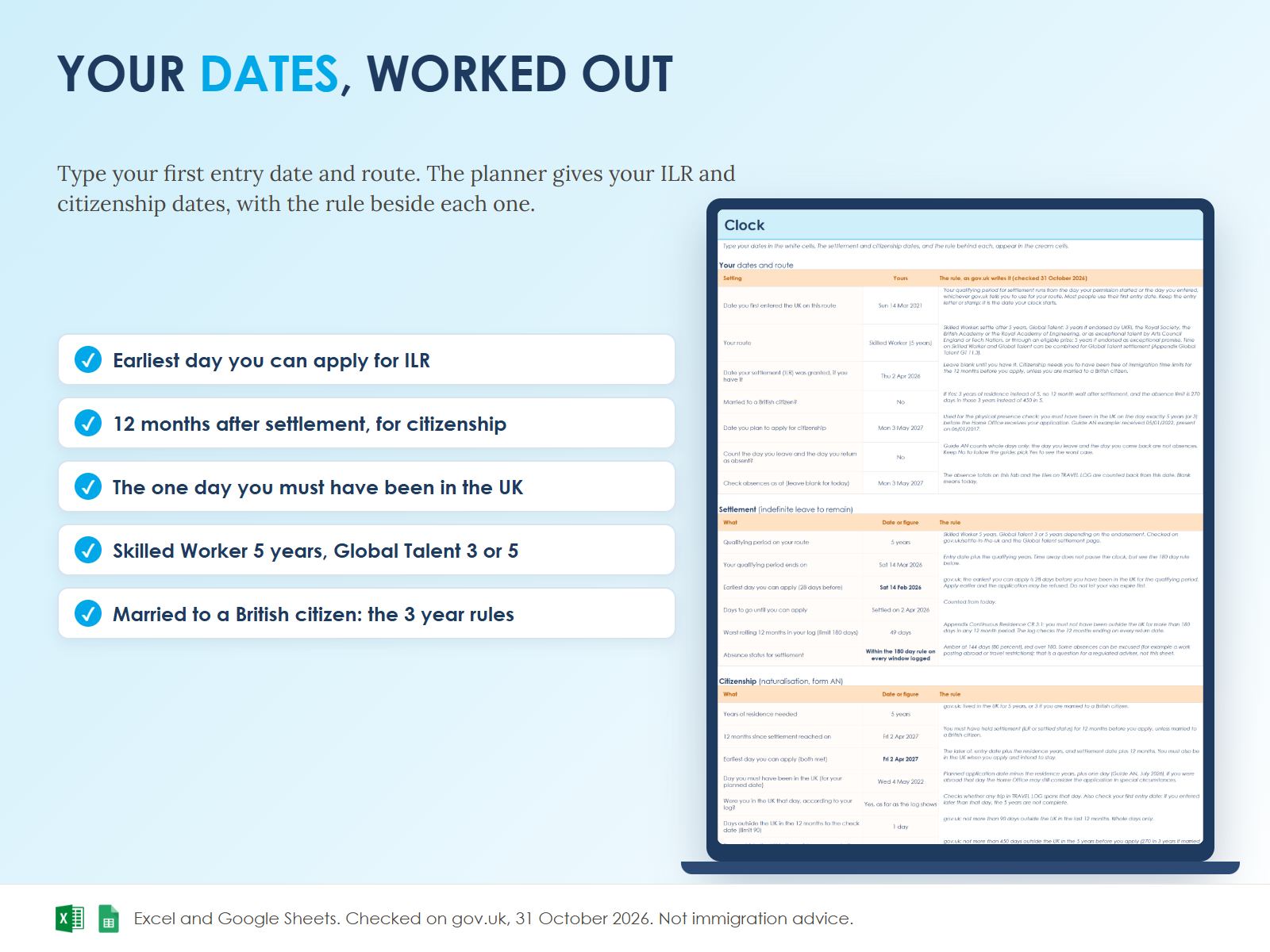
- The physical presence trapYou must have been in the UK on the day exactly 5 years before the Home Office receives your application. The clock names that day and checks your log for it.
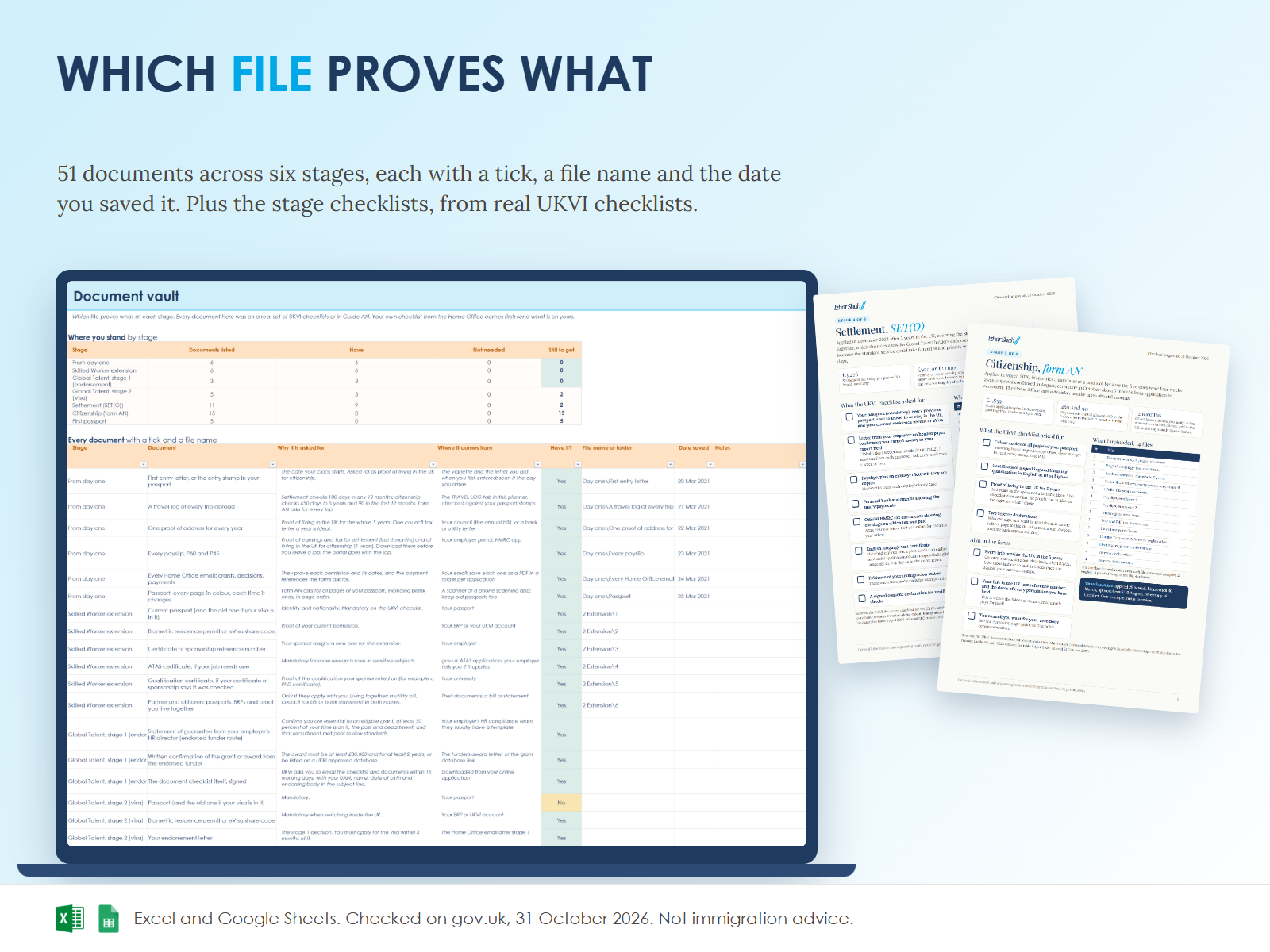
- Real checklists, not a generic listEach stage page is built from the UKVI document checklist I was given and the files I uploaded, with the personal details removed.
- Dated and sourcedEvery rule and fee carries the gov.uk page and the day it was read, so you know what to re-check when you apply.
- 1Set your clockType the date you first entered the UK and pick your route. Add your settlement date when you have it.
- 2Log every tripCountry, purpose, the day you left, the day you returned, and a tick when you have checked it against your passport stamps.
- 3Budget and fileTick the stages ahead of you, type what you paid, and tick each document as you save it.
Anyone in the UK on a Skilled Worker, Global Talent or similar work route, or a dependant partner, who is planning settlement or citizenship and wants their dates, trips and documents in order before they apply. It is built around the 5 year route, with the 3 year rules for Global Talent and for spouses of British citizens.
No. It is general information and organising tools, built from my own applications and checked on gov.uk. Advice on your own case is regulated by the Immigration Advice Authority: for your case, speak to a regulated adviser or a solicitor.
No. It comes with a Google Sheets version, which is free with a Google account. The Excel file also opens in the free web version of Excel.
The fee cells are white so you can update them, and the Rules and sources tab names the gov.uk page for each rule. Check gov.uk on the day you apply.
Straight after payment it is in your library on this site: the workbook, the two PDFs of checklists, the cover letter template and the Open me first page with the Google Sheets button.
One payment. Lifetime access. Every update included. Access is instant, so digital purchases are final once opened. Full terms at checkout.